By Platform · Facebook Ads

Best Free Facebook Ads Dashboard Templates
for Automated Reporting in 2026

Stop copying Facebook Ads metrics into spreadsheets every Monday. These free and paid Looker Studio templates for Meta Ads auto-connect to your campaigns and update spend, ROAS, CTR, creative performance, and audience data — automatically, on your schedule.

Looker StudioFree TemplatesMeta AdsAuto-Updated

What Makes a Good Facebook Ads Dashboard Template?

The best templates track full-funnel metrics: reach, impressions, frequency, link clicks, CTR, CPC, CPM, conversions, cost per result, and ROAS. They should connect directly to your Meta Ads account (not require CSV exports), update automatically, and be filterable by campaign, ad set, ad creative, and audience. Templates marked Free* require a paid connector — usually Supermetrics or Catchr — after a free trial.

8 Templates · Sorted by Usefulness
Dashboard preview
LS
Facebook Ads Performance Overview
Coupler.io
Free

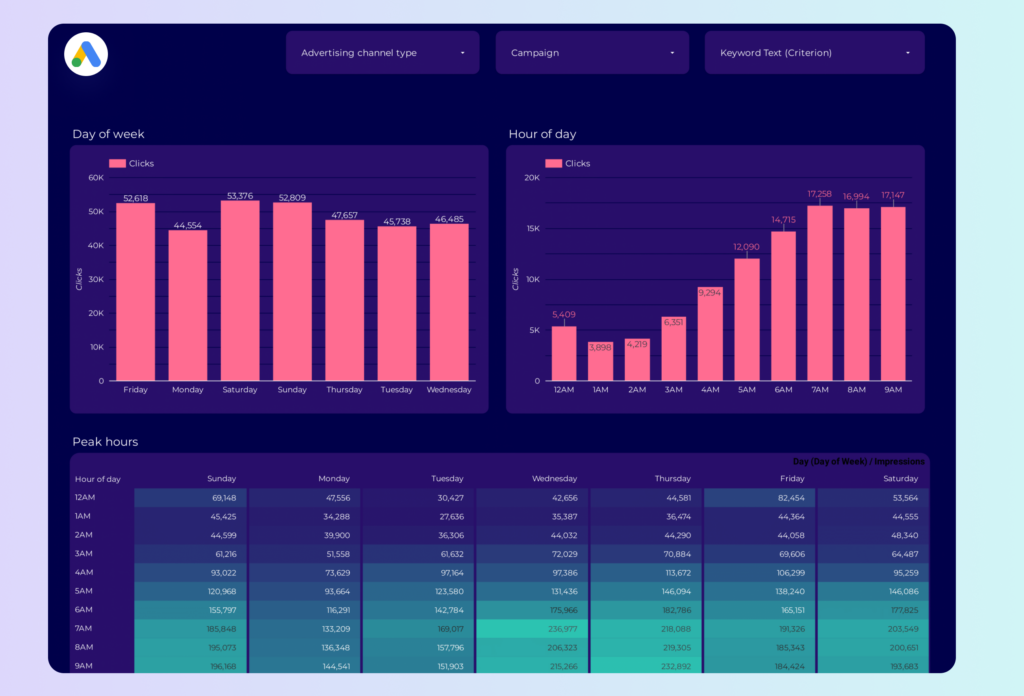
Campaign-level overview covering spend, impressions, clicks, CTR, CPC, and conversions. Filters by campaign, ad set, and date. Auto-refreshes daily via Coupler.io connector. No credit card required for free trial.

Looker StudioCampaign overviewCreative
View template →
Dashboard preview
SM
Facebook & Instagram Ads Report
Supermetrics
Free*

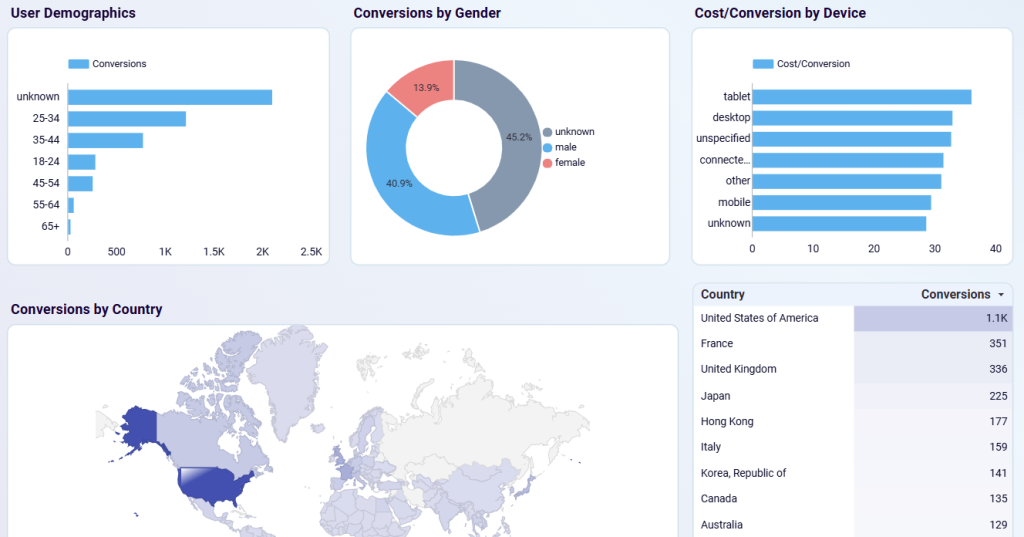
Covers Facebook and Instagram Ads together — plus WhatsApp and Messenger. Audience breakdown by age, gender, and location. Best for teams already paying for Supermetrics. 14-day free trial.

Looker StudioInstagramDemographics
View template →
Dashboard preview
PM
Facebook Ads KPI Tracker & Funnel Templates
Porter Metrics · Used by 10,000+ teams
Free

80+ free white-label templates including a Facebook Ads KPI tracker, funnel analysis, creative performance, and budget pacing dashboard. All white-label ready — swap in your logo and brand colors.

Looker StudioFunnelCreativeWhite-label
View templates →
Dashboard preview
CA
Facebook Ads KPIs — 10+ Templates
Catchr (Official Looker Studio Partner)
Free*

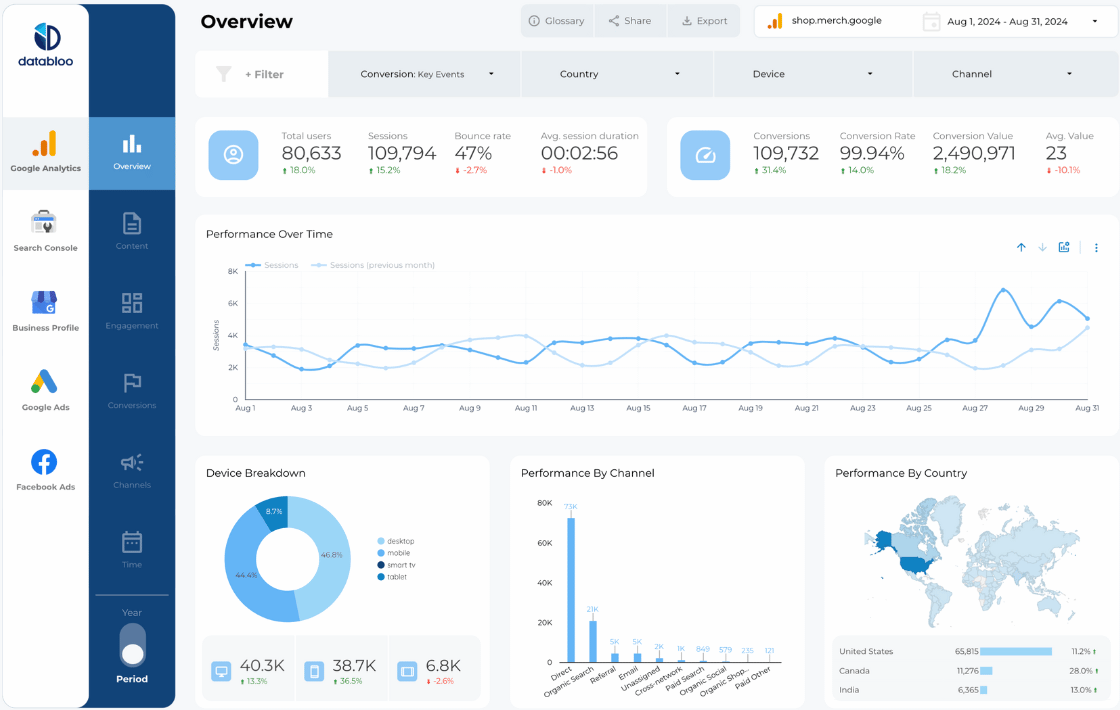
10+ templates covering KPI overview, ad creative analysis, audience demographics, funnel tracking, and cross-channel reporting combining Facebook, Google, and Instagram. Official Looker Studio Partner.

Looker StudioAudiencesCross-channel
View templates →
Dashboard preview
WA
Facebook Ads Dashboard (Windsor.ai)
Windsor.ai
Free

Clean single-page dashboard with spend, clicks, CTR, CPC, CPM, and conversion tracking. Uses Windsor.ai connector — free 30-day trial with no credit card. Good for freelancers and small agencies.

Looker StudioSpend trackingCTR
View template →
Dashboard preview
DB
Facebook Ads Pro Report (Multi-Page)
Data Bloo
€149

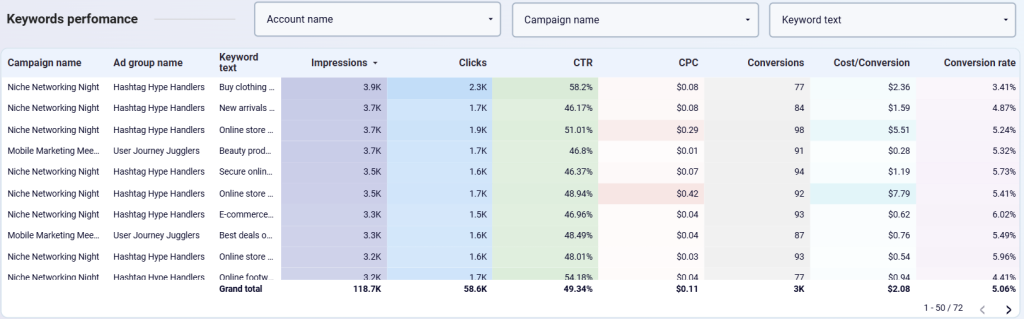
Premium multi-page template with campaign, audience demographic, and creative breakdowns. Praised for clean agency-ready design. Includes time-series trends and a side-by-side campaign comparison view.

Looker StudioAgency-readyDemographicsMulti-page
View template →
Dashboard preview
DS
Meta Ads Performance Dashboard
Dataslayer
Free

Combines Facebook and Instagram Ads data. Tracks spend, ROAS, creative performance, and conversion paths. Requires Dataslayer connector (15-day free trial, no credit card). Native connector option also available.

Looker StudioROASCreative
View template →
Dashboard preview
LS
Facebook Ads Lead Generation Dashboard
Coupler.io
Free

Focused on B2B and lead gen campaigns — tracks cost per lead, lead value, conversion rates, and funnel performance. Shows how campaigns convert impressions to form fills and qualified leads.

Looker StudioLead genB2BFunnel
View template →

Free vs Paid: Which Template Should You Use?

If you only run Facebook and Instagram Ads, the native Meta connector in Looker Studio works fine — but it's limited to one account and basic dimensions. For multi-account agencies or cross-channel reporting (Facebook + Google + LinkedIn in one view), a paid connector like Supermetrics, Catchr, or Coupler.io is worth the cost.

Templates marked Free* require a third-party connector — free during trial, then paid. Expect $30–100/month depending on the tool and plan.

Want Fully Automated Facebook Ads Reporting?

Templates are a great start — but if you need scheduled PDF delivery, white-labeling, and zero maintenance, consider a dedicated reporting tool:

Try Whatagraph → Try Databox →