By Platform · Google Search Console
Best Free Google Search Console Dashboard Templates
for SEO Reporting in 2026
Stop squinting at GSC's basic tables. These Looker Studio templates connect to your Search Console data and surface what actually matters: which pages are gaining or losing ground, which queries are almost ranking, and where your CTR is tanking.
Looker StudioFree TemplatesSEONative Connector
What Makes a Good Search Console Dashboard Template?
A good GSC template goes beyond raw impressions and clicks. It should show CTR by page and query, average position trends, brand vs non-brand query splits, short-tail vs long-tail performance, page ranking distribution (page 1 vs page 2), and filter by device and country. Most templates below use Google's free native connector — though some paid connectors unlock combined query + page analysis that the native connector can't do.
6 Templates · Sorted by Usefulness
LS
Google Search Console SEO Dashboard
Coupler.io
Free
Multi-page SEO dashboard covering clicks, impressions, CTR, average position, best/worst performing URLs, and country-level breakdowns. Uses native GSC connector — 100% free, no third-party tool needed.
Looker StudioSEOKeywordsNative connector
View template →
SM
Search Console Overview Report
Supermetrics
Free*
Tracks impressions, clicks, CTR, and rankings by query, page, and device. Supports brand keyword filtering. Combines queries and landing pages in one source — unavailable with the native free connector.
Looker StudioBrand keywordsQuery analysis
View template →
DB
All-in-One Search Console Report
Data Bloo
Paid
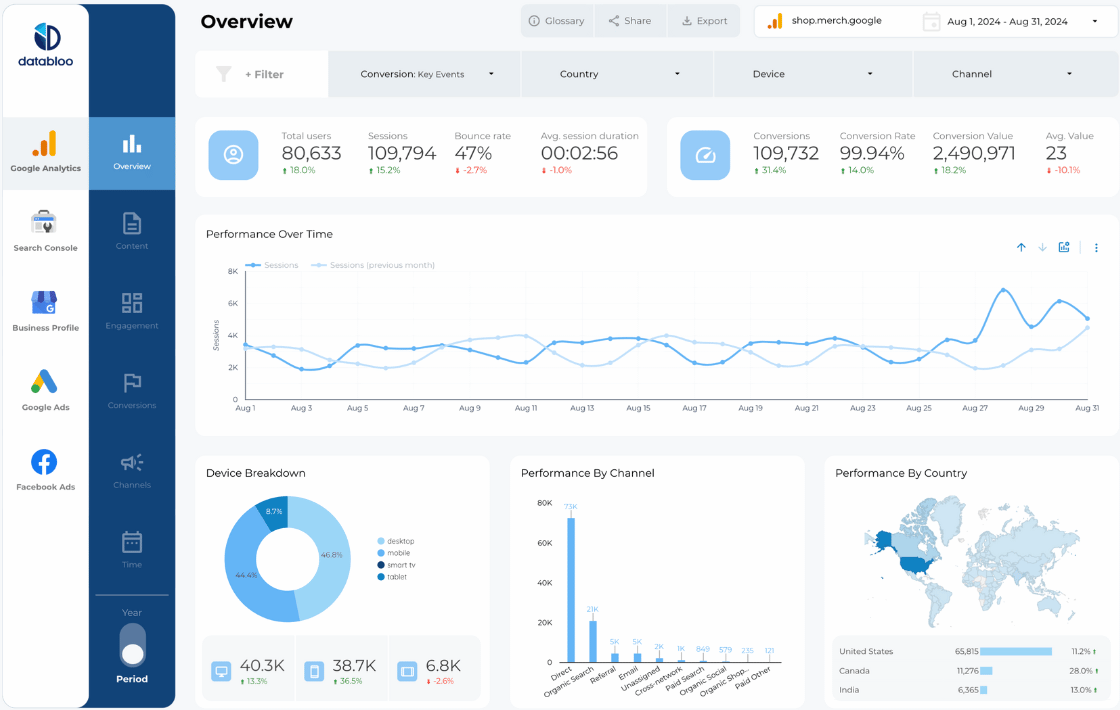
Multi-page premium template: keyword distribution, brand vs generic queries, short-tail vs long-tail performance, page ranking distribution (page 1/2/3), and position trend analysis. One-click setup.
Looker StudioBrand vs genericPage rankingsMulti-page
View template →
CA
GSC Query Insight Template
Catchr (Official Looker Studio Partner)
Free*
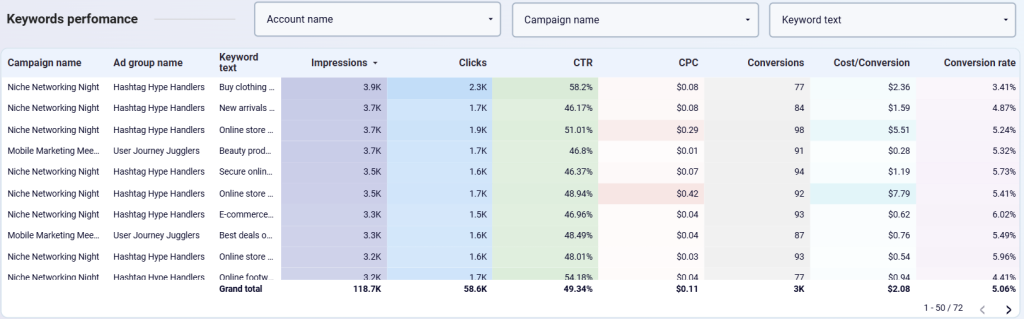
Focused on query-level analysis — identifies high-impression, low-CTR opportunities. Shows which queries are "almost ranking" on page 1. Requires Catchr connector (14-day free trial).
Looker StudioCTR optimizationQuery analysis
View template →
PM
Search Console + GA4 Combined Template
Porter Metrics
Free
Blends GSC data with GA4 to connect search visibility with on-site behavior. See which keywords drive engaged sessions vs bounces. White-label ready. Used by 10,000+ teams.
Looker StudioGA4 + GSCSEO + Analytics
View template →
GR
GSC Dashboard — 3 Connector Options
Gaille Reports
Free
Unique template offering three separate pages — one each for native GSC connector, Windsor.ai, and Supermetrics. Lets you compare connector options side by side. Great for teams evaluating paid connectors.
Looker StudioNative connectorMulti-connector
View template →
Free Native vs Paid Connector: What's the Difference?
Google's free native Search Console connector is built into Looker Studio and works immediately — but it splits data into two separate sources (site queries and URL queries) which can't be combined. This means you can't filter by query on the pages view, or vice versa.
Paid connectors like Supermetrics, Windsor.ai, and Catchr unify these into one data source, enabling richer cross-filtering. If you do regular SEO reporting, a paid connector is usually worth it. Most offer 14-day free trials.
Want Fully Automated Google Search Console Reporting?
Templates are a great start — but if you need scheduled PDF delivery, white-labeling, and zero maintenance, consider a dedicated reporting tool: